KINOA EN DEBuy now

Kinoa – the premium skin for Kodi

Three elegant designs, wallpapers that change by themselves, its own screensaver and a menu you design completely yourself. Made by a Kodi user with 14 years of experience.

Buy Kinoa
$7.99one-time · instant download · 14-day money-back guarantee
Three designs, one click

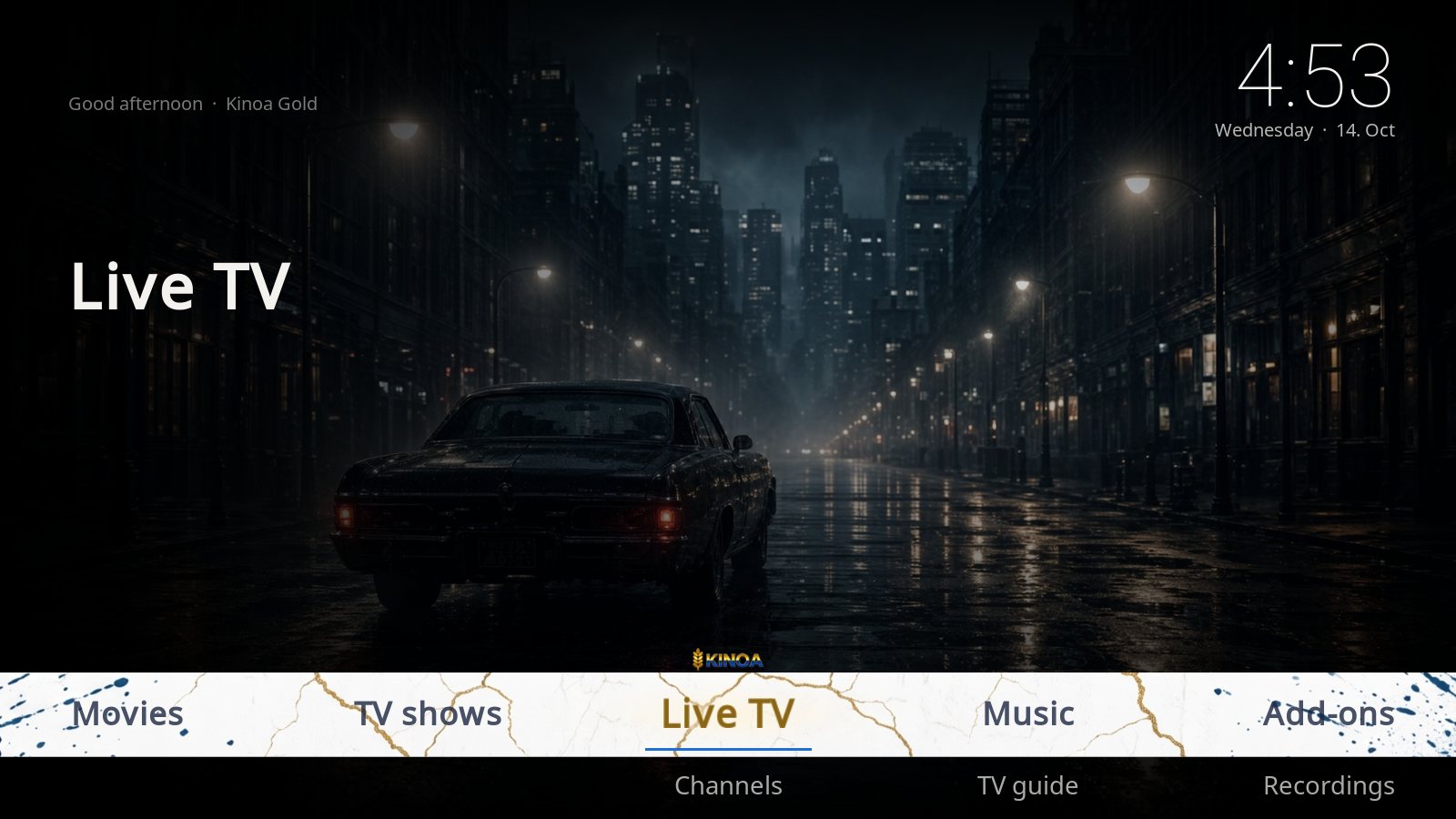
Switch any time under Settings → Design. Every design has its own menu band, its own colors and its own start picture.

Kinoa Gold
DEFAULT

Kinoa Gold

White marble with golden veins. Dark gold selection with a blue underline.

Kinoa Black
CINEMA LOOK

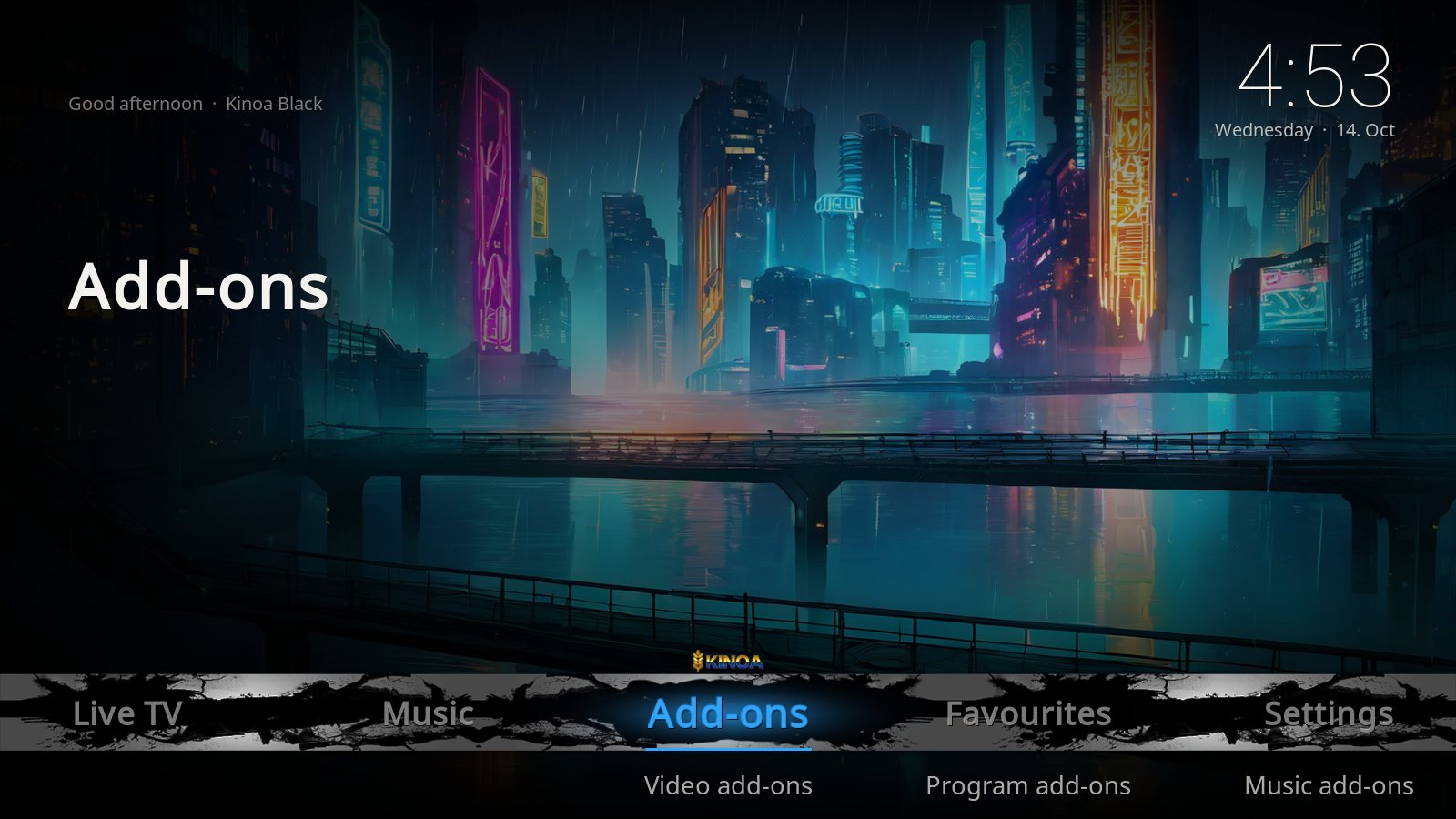
Kinoa Black

Black grunge band with a bright blue selection. Same wallpapers as Gold.

Kinoa Kids
FOR KIDS

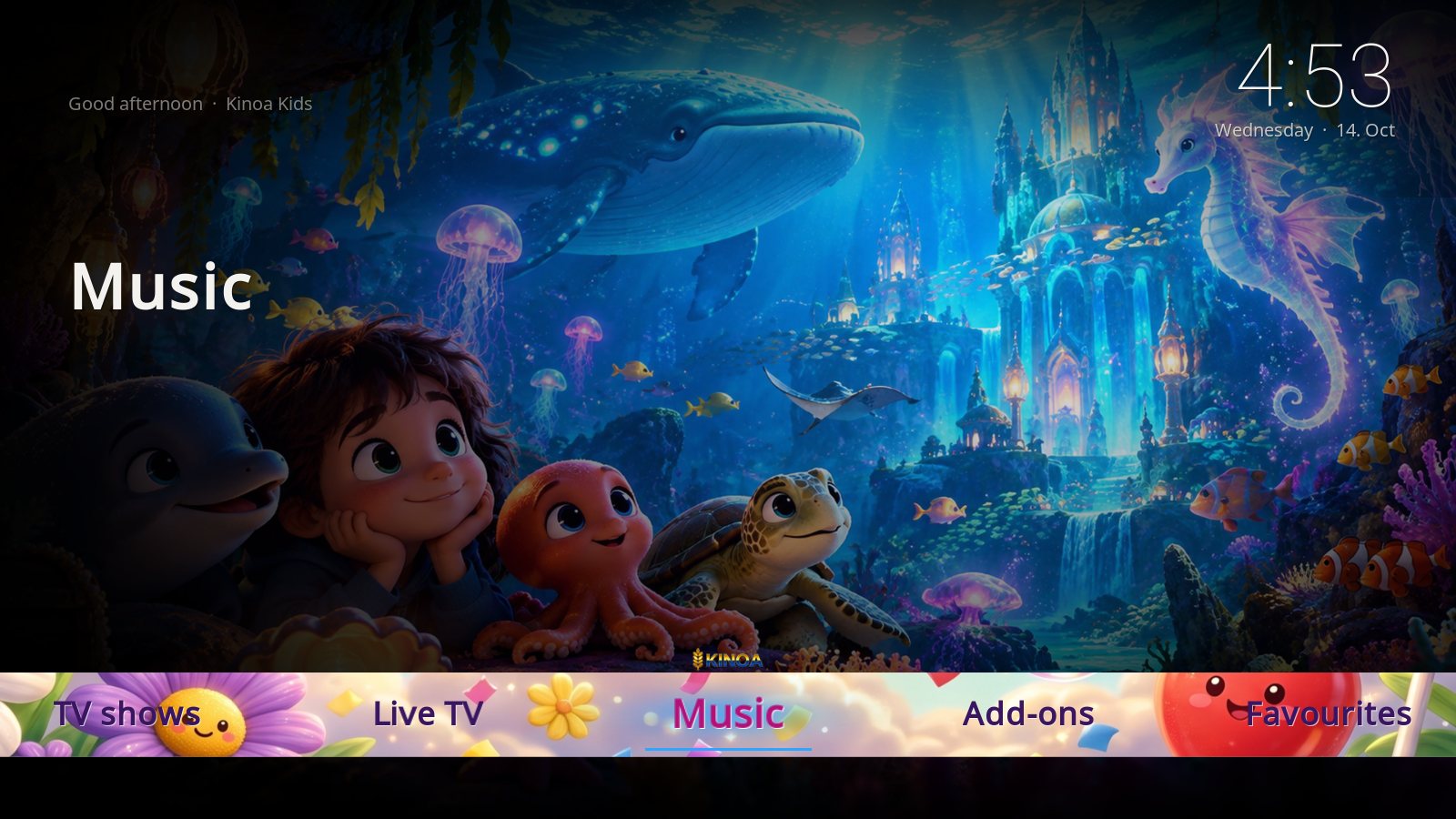
Kinoa Kids

Cheerful flower band, large readable text, its own kids wallpapers and start picture.

What Kinoa does

Everything is built into the skin. No extra add-ons such as Skin Shortcuts needed.

🖼️

Rotating wallpapers

8 wallpapers for Gold and Black, 6 for Kids. They change automatically every 15 seconds.

🌙

Screensaver

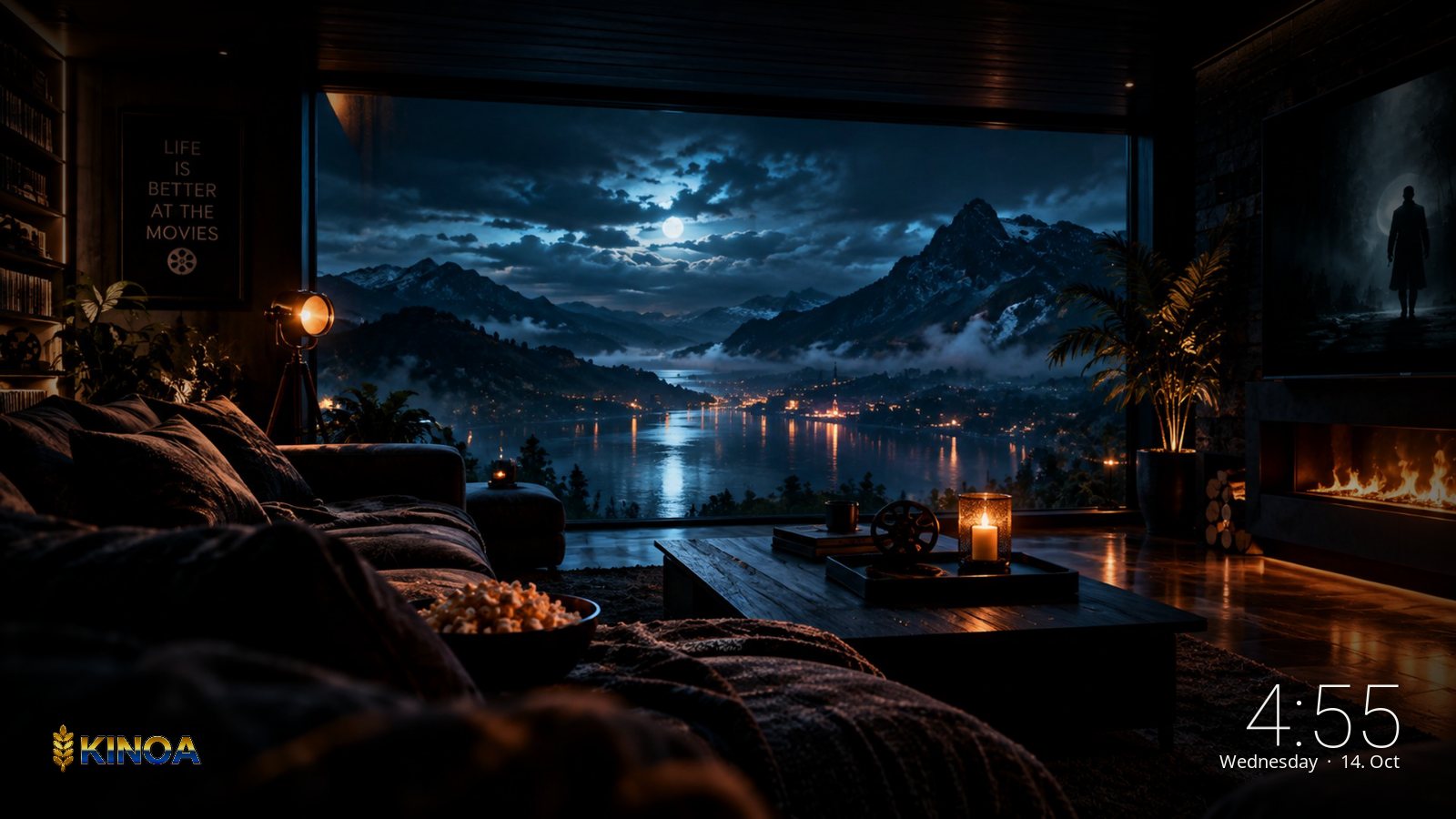
After 10 minutes without input a slideshow of the wallpapers with a clock starts. Any key ends it.

🎬

Start picture

When Kodi starts, the Kinoa start picture is shown for 5 seconds – Kids has its own.

🧭

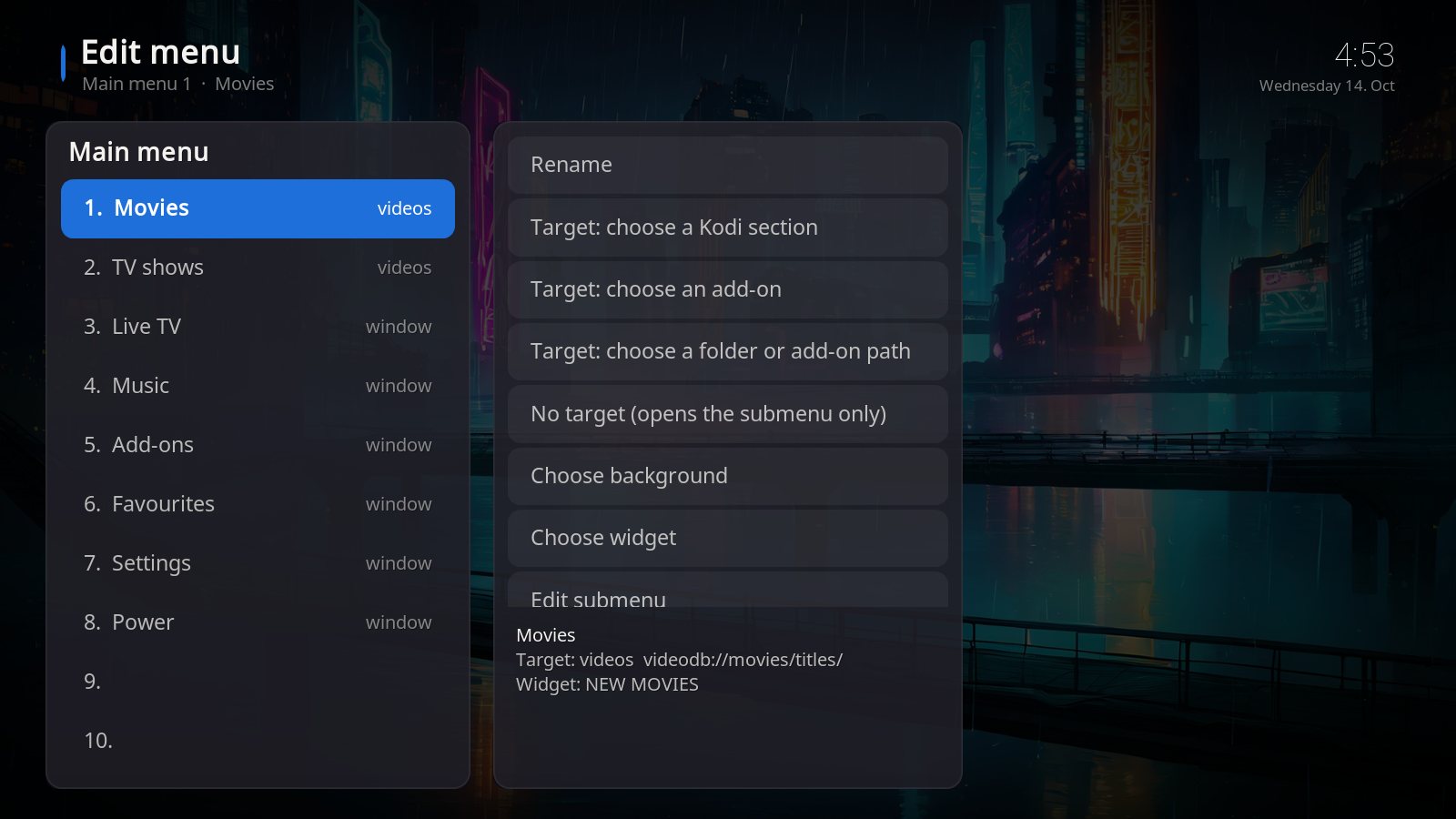
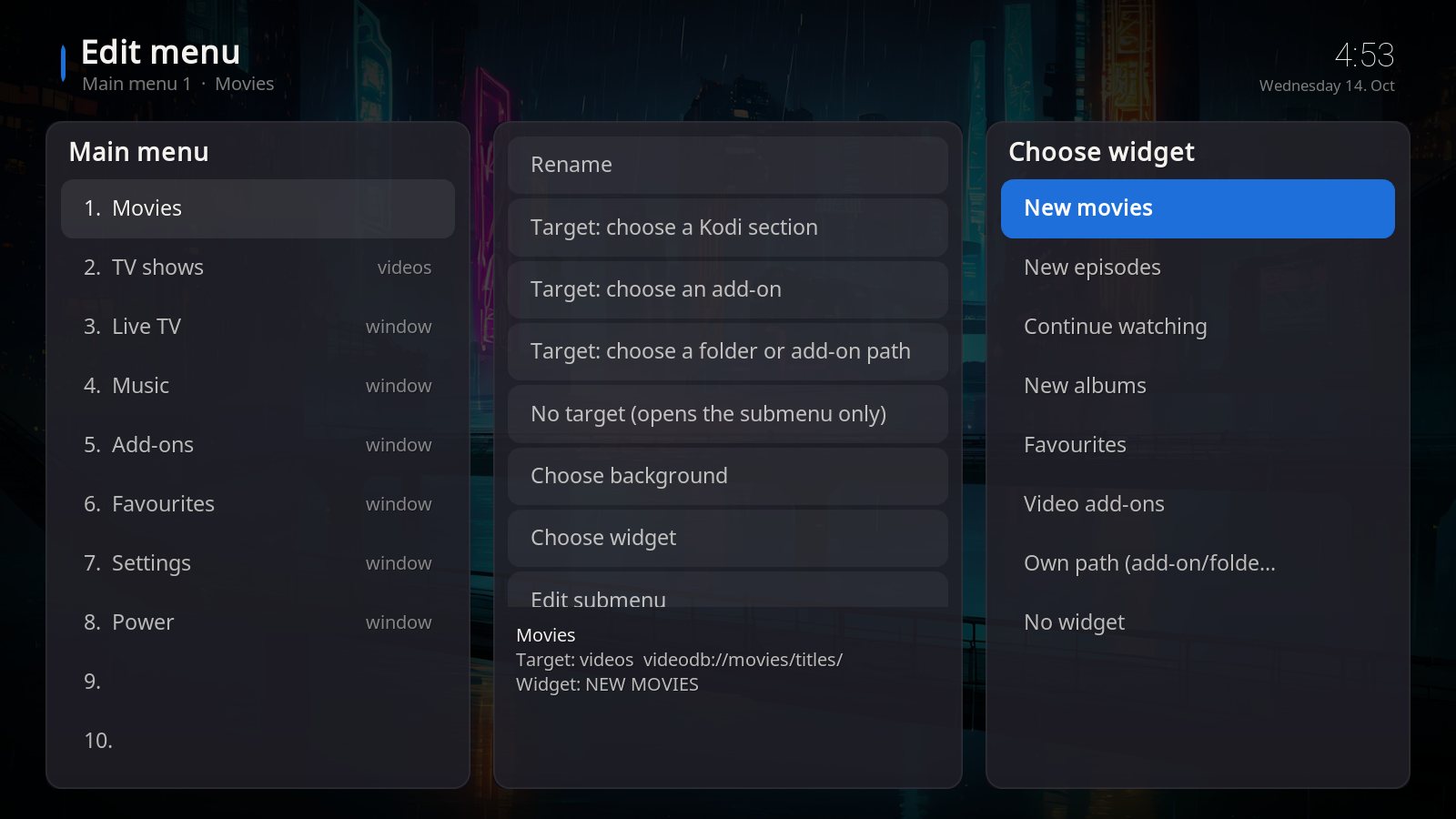
Menu editor

14 main items with 10 sub items each. Name, target (Kodi section, add-on or folder), background and widget – all your choice.

🌍

English and German

The skin automatically follows the language set in Kodi.

📺

For all devices

Windows, Android TV boxes and Fire TV Stick. Effects are off by default – runs smoothly even on weak devices.

This is Kinoa

Real screenshots from Kodi 21. Click a picture to enlarge it.

What you get

  • The Kinoa skin as a zip file for Kodi 21 "Omega"
  • Three designs, 14 wallpapers, two start pictures
  • Manual (PDF) for Windows, Fire TV and Android TV
  • Bug fixes for Kodi 21
  • Use on up to 5 of your own devices in your household

Not included

  • Kodi itself (free at kodi.tv)
  • Add-ons, repositories or "builds"
  • Movies, TV shows, channels, streams or accounts
  • Help with setting up third-party add-ons
Important: Kinoa is only a skin, i.e. a user interface for Kodi. It contains no add-ons and no content and gives no access to movies, TV shows or channels. Details in the terms.

Installed in 4 steps

The detailed guide for every device is in the manual.

  1. Buy and download the zip. After payment you receive the download link by e-mail.
  2. Get the zip onto the device. Windows: just save it. Fire TV: with the "Downloader" app. Android box: browser or USB stick.
  3. Install it in Kodi. Settings → Add-ons → Install from zip file → choose the file.
  4. Activate the skin. Kodi asks whether to switch skins – "Yes". Done.

Frequently asked questions

Which Kodi version do I need?

Kodi 21 "Omega". You find your version under Settings → System information. Older versions (Kodi 20 and earlier) are not supported.

Does Kinoa run on a Fire TV Stick?

Yes. Camera zoom and living effects are off by default so the skin runs smoothly on the Fire TV Stick too.

Are add-ons or movies included?

No. Kinoa is only the interface. Which legal add-ons and content you use in Kodi is up to you.

Can I create my own menu items and widgets?

Yes. In the built-in menu editor you set name, target, background, widget and submenu for every item. See the manual.

Can I use my own wallpapers?

Yes. Under Settings → Design you can choose a fixed own background for Gold/Black and for Kids.

On how many devices may I use Kinoa?

On up to 5 of your own devices in your household. Sharing, reselling or preinstalling on devices for others is not allowed.

In which currency do I pay?

In US dollars. Any sales tax or VAT that applies in your country is shown at checkout. If your card is in another currency, your bank converts the amount.

Can I get a refund?

Yes – within 14 days of your purchase, no questions asked: write to support@kinoaskin.com. Kinoa is sold via Gumroad. For digital content the right of withdrawal expires as soon as you expressly agree to the immediate download. Details under right of withdrawal.

Ready for the best evening on the sofa?

Buy once, download instantly, set up in five minutes.

Buy Kinoa for $7.99